Ericsson T68   

STEP
1


PREVIEW


DESCRIPTION
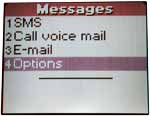
Move the joggle to enter the Menu. Select <Messages>.

STEP
2


PREVIEW


DESCRIPTION
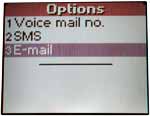
Select <4Options>.

STEP
3


PREVIEW


DESCRIPTION
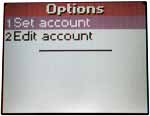
Select <3E-mail>.

STEP
4


PREVIEW


DESCRIPTION
Select <1Set account>.

STEP
5


PREVIEW


DESCRIPTION
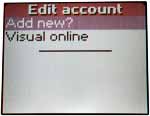
Select <Add new?>.

STEP
6


PREVIEW


DESCRIPTION
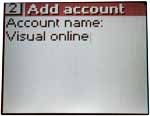
Enter an Account name: e.g. "Visual online". Press the joggle to save.

STEP
7


PREVIEW


DESCRIPTION
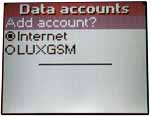
Select <Add account> in the <Data accounts> menu.

STEP
8


PREVIEW


DESCRIPTION
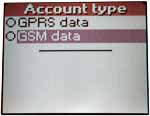
Select <GSM DATA>

STEP
9


PREVIEW


DESCRIPTION
Type in: "Internet"
Press the joggle.

STEP
10


PREVIEW


DESCRIPTION
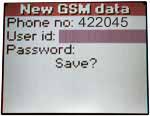
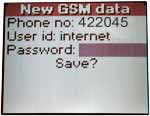
Type in the "Phone no:" 42 20 45 and press the joggle to go on.

STEP
11


PREVIEW


DESCRIPTION
Move the cursor down to "Uder id".

STEP
12


PREVIEW


DESCRIPTION
Type in "internet".

STEP
13


PREVIEW


DESCRIPTION
Push the joggle and move down to "Password".

STEP
14


PREVIEW


DESCRIPTION
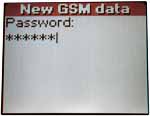
Type in your password.

STEP
15


PREVIEW


DESCRIPTION
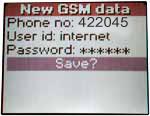
Save your settings and continue configuring your account.

STEP
16


PREVIEW


DESCRIPTION
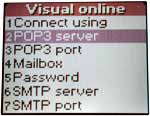
Move on to <2POP3 server>.

STEP
17


PREVIEW


DESCRIPTION
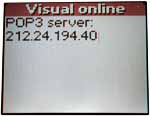
Enter 212.24.194.40.

STEP
18


PREVIEW


DESCRIPTION
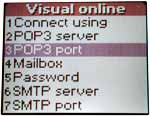
Keep the default settings at <3POP3 port>.

STEP
19


PREVIEW


DESCRIPTION
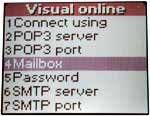
Select <Mailbox>.

STEP
20


PREVIEW


DESCRIPTION
Enter: email@vonet.lu

STEP
21


PREVIEW


DESCRIPTION
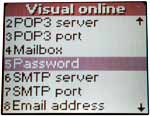
Enter your password at <5Password>.

STEP
22


PREVIEW


DESCRIPTION
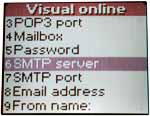
Enter <SMTP server>.

STEP
23


PREVIEW


DESCRIPTION
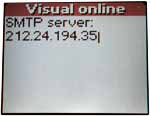
Type in: "212.24.194.35" and make no changes in <7SMTP Port>. Move on to <8Email address>.

STEP
24


PREVIEW


DESCRIPTION
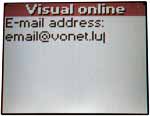
Enter "email@vonet.lu". You don't need to change section 9 & 0. Your account is installed and ready to use.